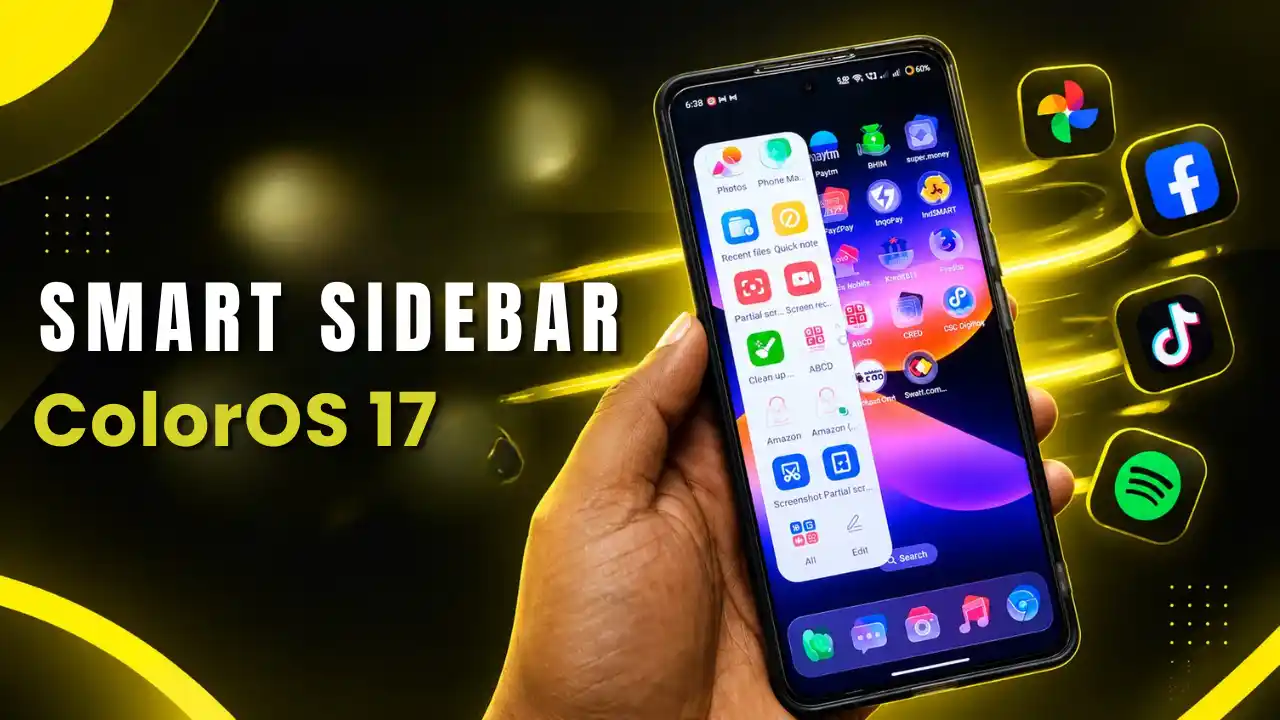
The smart side bar app has received new update for Realme and Oppo devices based on ColorOS 17 update. ColorOS 17 update is purely inspired with IOS style. Here is the latest Smart sidebar for Realme/Oppo devices with refinements to UI animations, visual effects, and customization options.
Realme/OPPO ColoOS 17 Smart sidebar Features
Here are some notable features with latest update with visual effects, and customization options.
Fluid Water-Drop Opening Animations
The opening animation of the Smart Sidebar has been completely updated / Changed.
Bouncy Opening Effect: When sidebar is pulled out, the sidebar expands with a smooth, water-drop bouncy animation this is something new with update in visuals.
Natural Background Blur: The background blur applied to the home screen or running applications has been redesigned to look much more realistic.
Edit Menu Transitions: Tapping on the Edit option triggers a fluid, responsive transition when opening and closing the panel customization screen. Actually this is so small change but it is notable.
Bar Mode Support: The enhanced transition effects apply across both Single Bar and Dual Bar layout configurations.
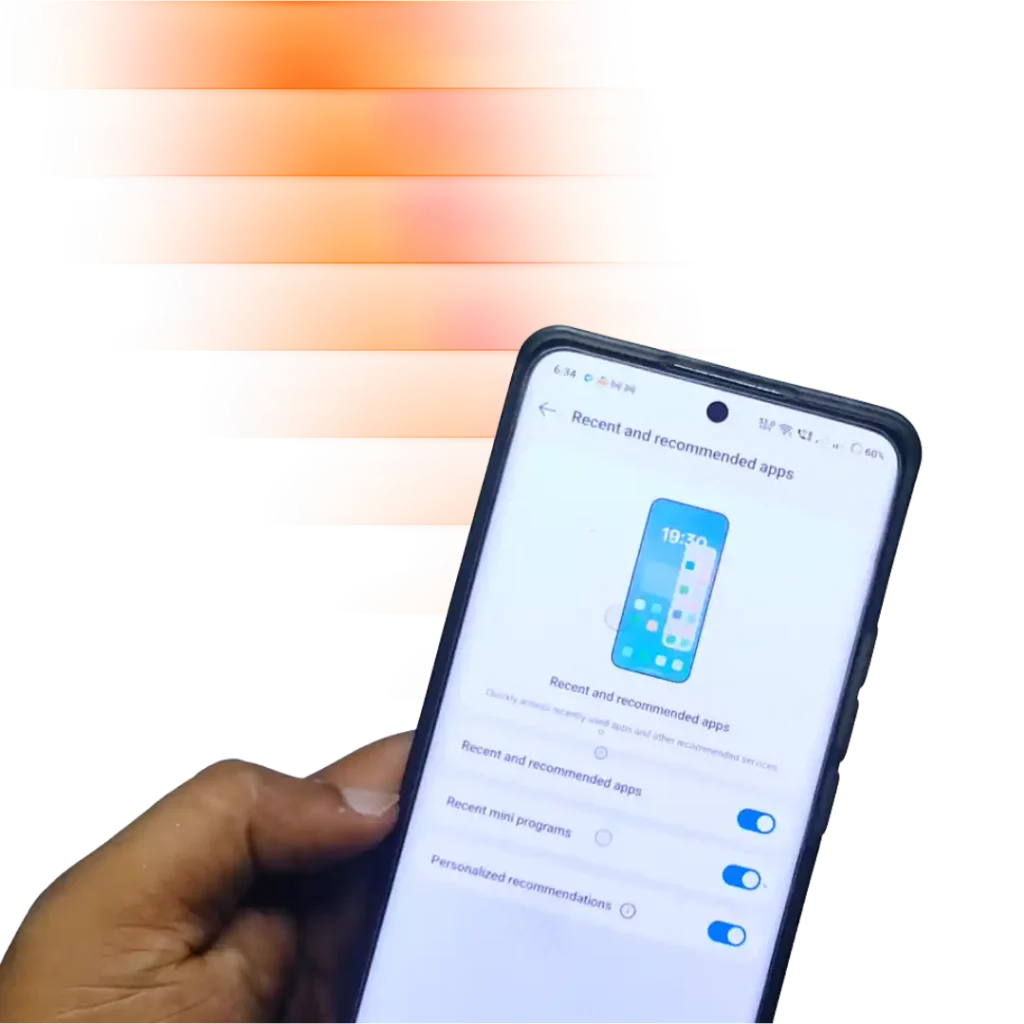
New “Recent & Recommended Apps” Feature
In the Smart Sidebar settings menu, a new functionality toggle has been added:
- Recent & Recommended apps, is placed between the File Dock and Show app names settings.
- Once enabled, the Smart Sidebar dynamically suggests apps based on your usage patterns and displays recently opened applications directly inside the sidebar panel for quicker access. This feature is not new but redesigned.
Smart Sidebar installation and errors
Installation of this app is simple as we do but the main thing is about upgradation of this app.
While updating the app user may face app not installed error. So to resolve that do below steps.
- Go to device settings
- Find Apps > Installed apps
- Search for “Smart Sidebar”
- Now Uninstall the app update
- Once done. Again install the latest version.
- It will be installed without any error.