
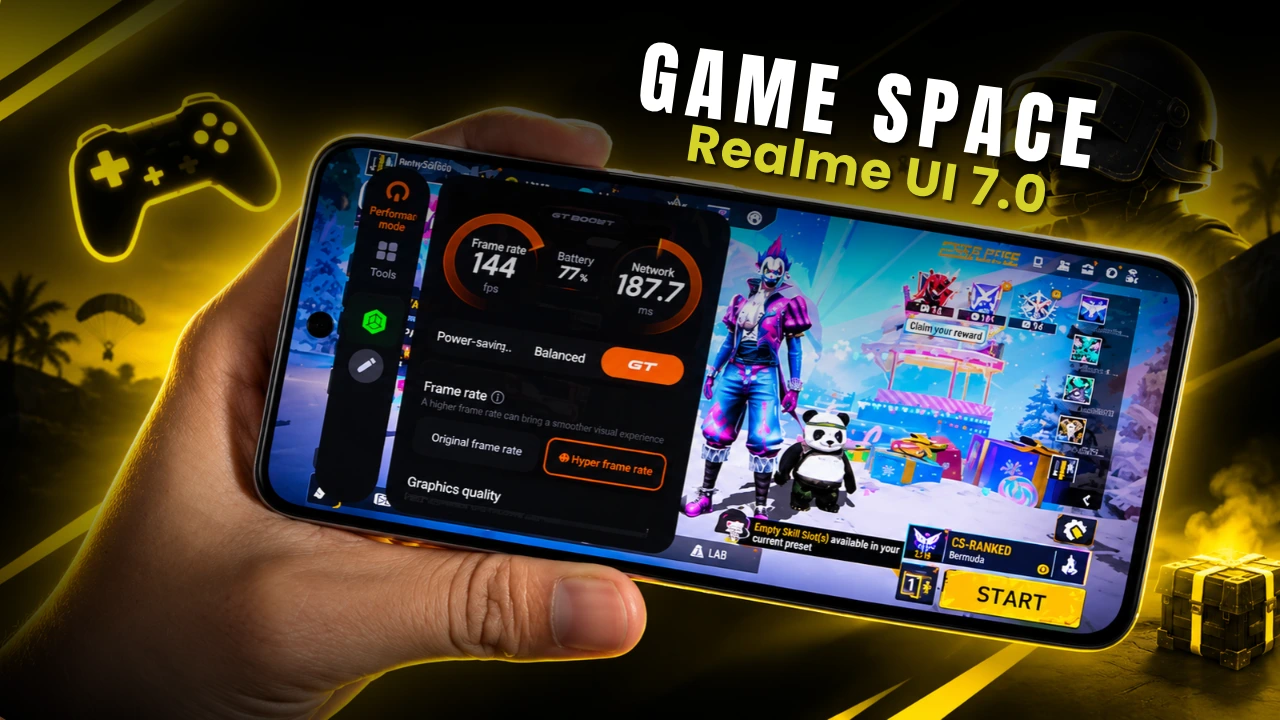
Hello Realme Users I hope you are doing well and good. Today we are talking about the realme ui 7.0 Game space / Game assistant features and the most important bypass charging.
Realme has labled the Realme Game space as Game Assistant both are same by the way. Users are excited about the Bypass charging and Game mode feature. So lest discuss all these features in detail.
New Interface, Launch Animations & Core Settings
Opening the Game Assistant app on Realme UI 7.0 devices reveals a redesigned UI with smoother opening animations. Tapping the three-bar menu opens More Settings, which includes:
- Launch Animation: Toggles the visual transition animation when entering the Game Assistant hub.
- Game Album: A dedicated gallery storing your in-game screenshots and screen recordings.
- Automatically Adjust Resolution: Dynamically scales resolution up or down to manage battery consumption and device temperature.
- Add to Game Assistant (Hide Game Icons): Moves installed games like Free Fire Max and BGMI out of your home screen and app drawer, keeping them exclusively inside the Game Assistant app.
Performance, Display & Power
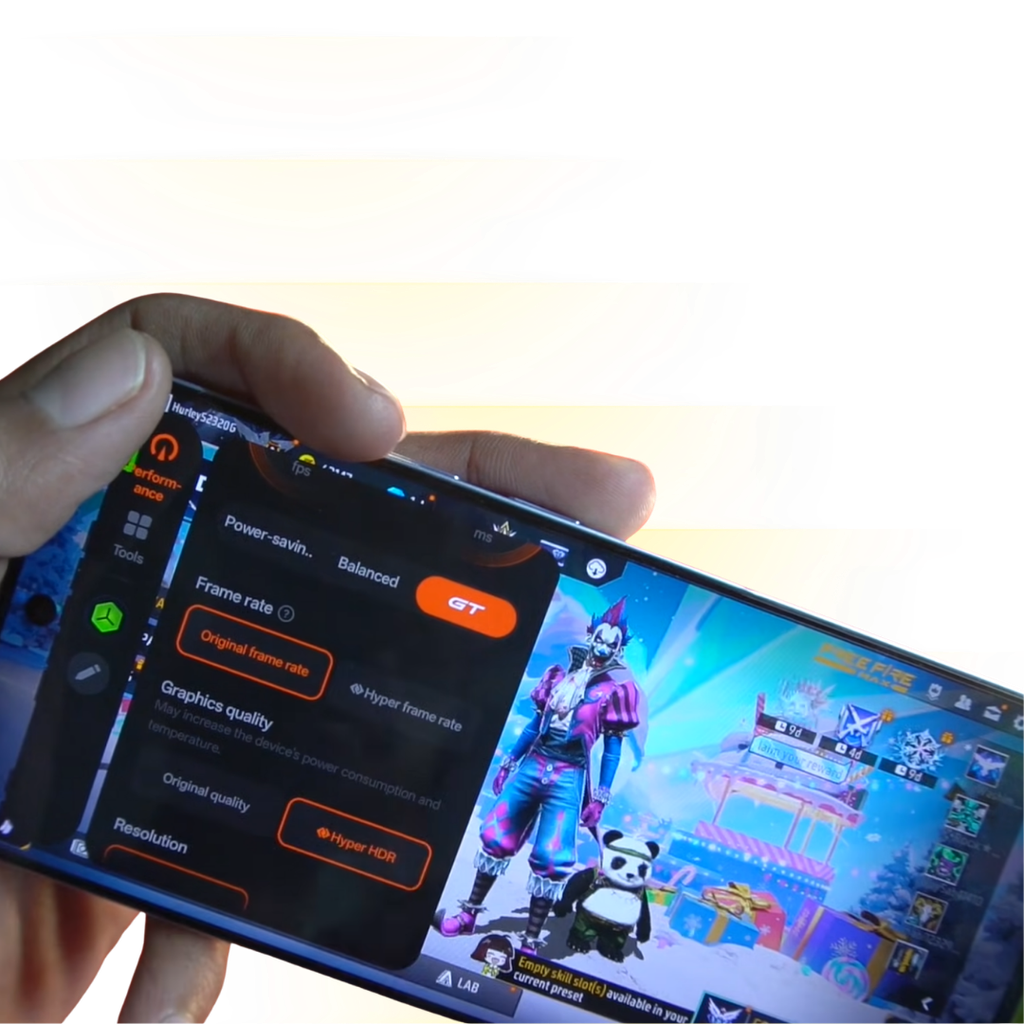
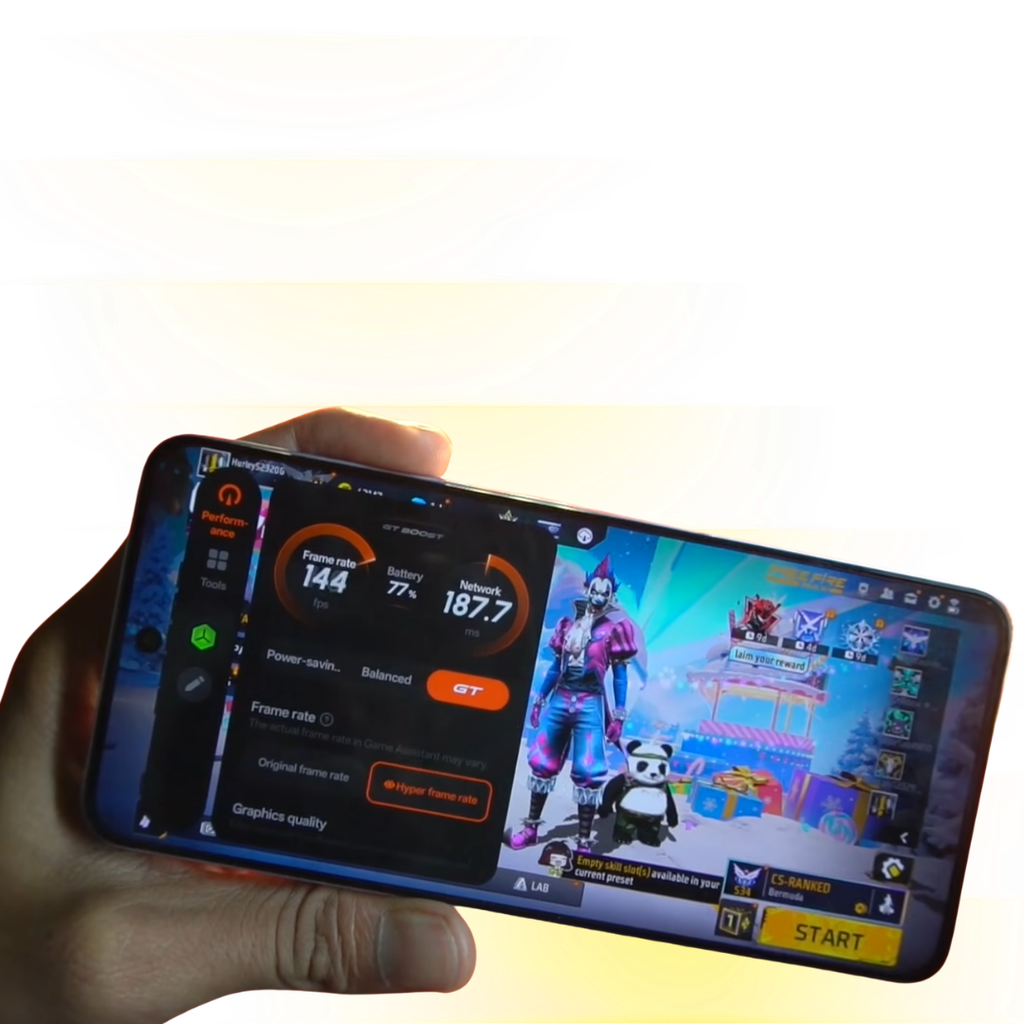
- Performance Modes: Switch between Power Saving Mode, Balanced Mode, and GT Mode. (All modes have there dedicated functions.)
- Geek Power: Allows direct manual customization of CPU and GPU clock behavior.
- Display Enhancements: Upgrade game visuals using Hyper HDR and High Resolution toggles (note: higher settings increase heat and battery drain).
- Frame Plus (Up to 144Hz): Boosts frame rates up to 144Hz for smoother gameplay at the cost of higher power consumption.
Touch Sensitivity & Network Controls
- Controls Menu: Increase Touch Sensitivity and Swipe Sensitivity to maximum levels, or enable Ultra Touch for faster touch-response. This will give user a more control while gaming.
- Smart Dual-SIM Switch: Automatically switches active mobile data between two recharged SIM cards based on which network offers a stronger connection.
- Smart Dual-Channel Network: Seamlessly alternates or combines Wi-Fi and mobile data to maintain stable ping.
In-Game Assistant Sidebar & Gaming Tools
Swiping from the screen edge during gameplay opens a redesigned, smoother sidebar. You can customize which side triggers the panel (left or right), switch between compact (Less) and expanded (More) tool views, and access:
- Brightness Slider: Upgraded slider for lag-free brightness adjustments.
- Champion Mode: An aggressive focus mode that blocks incoming calls, alarms, notifications, the notification drawer, navigation gestures/buttons, and accidental sidebar swipes.
- Bypass Charging with Target Limits: Routes power directly to the motherboard during gaming to reduce heat, now allowing you to set custom charge limits at 40%, 60%, or 80%.
- Silent Launch: Mutes background startup music automatically when launching games.
- Quick Startup: Speeds up launch times for frequently played titles like Free Fire and BGMI.
- Updated Voice Changer: Features refreshed voice presets.
- Audio & Eye Care: Includes Holo Audio (enhanced spatial audio for earbuds), AI Eye Comfort (warmer screen tones to reduce eye strain), and Game Filters (custom saturation and color tweaks).
- Classic Utilities: System Status (FPS/CPU/GPU monitor), Bullet Notifications, Cleanup, Screenshot, Screen Recording, Mistouch Prevention, and Motion Control.
Enable Bypass Charging mode
In Realme UI 7.0 users can bypass the charging while playing game only and this mode allows to directly supply power to system bypassing the battery. So that while playing also users can plug device on charge without heating the device. Now lets see how to enable this mode –
- Go to Game assistant and launch the game.
- Once game in opened slide for game assitsant.
- Look for option “Bypass Charging”.
- Enable this option and it is Ready to use.
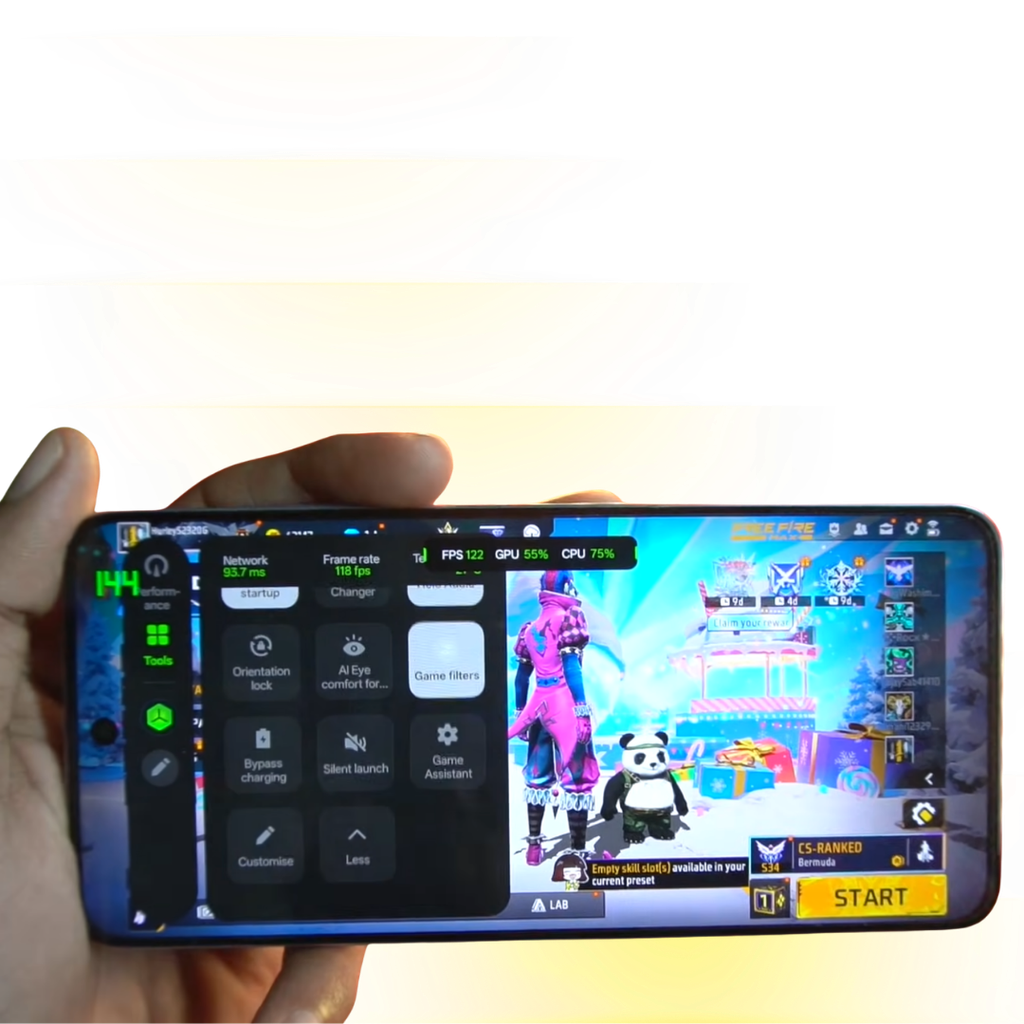
Bypass Charging helps to reduce the heating issue of device while gaming. Usually heating device leads to lags in gaming so this feature can bypass this also.